ShowDwellOpen studioStudio

Furnish the room. Keep the property.

ShowDwell helps real estate agents turn empty listing photos into buyer-ready rooms, with Architecture Lock guardrails designed to preserve fixed features and a side-by-side review before download.

3 rooms free every month · no card
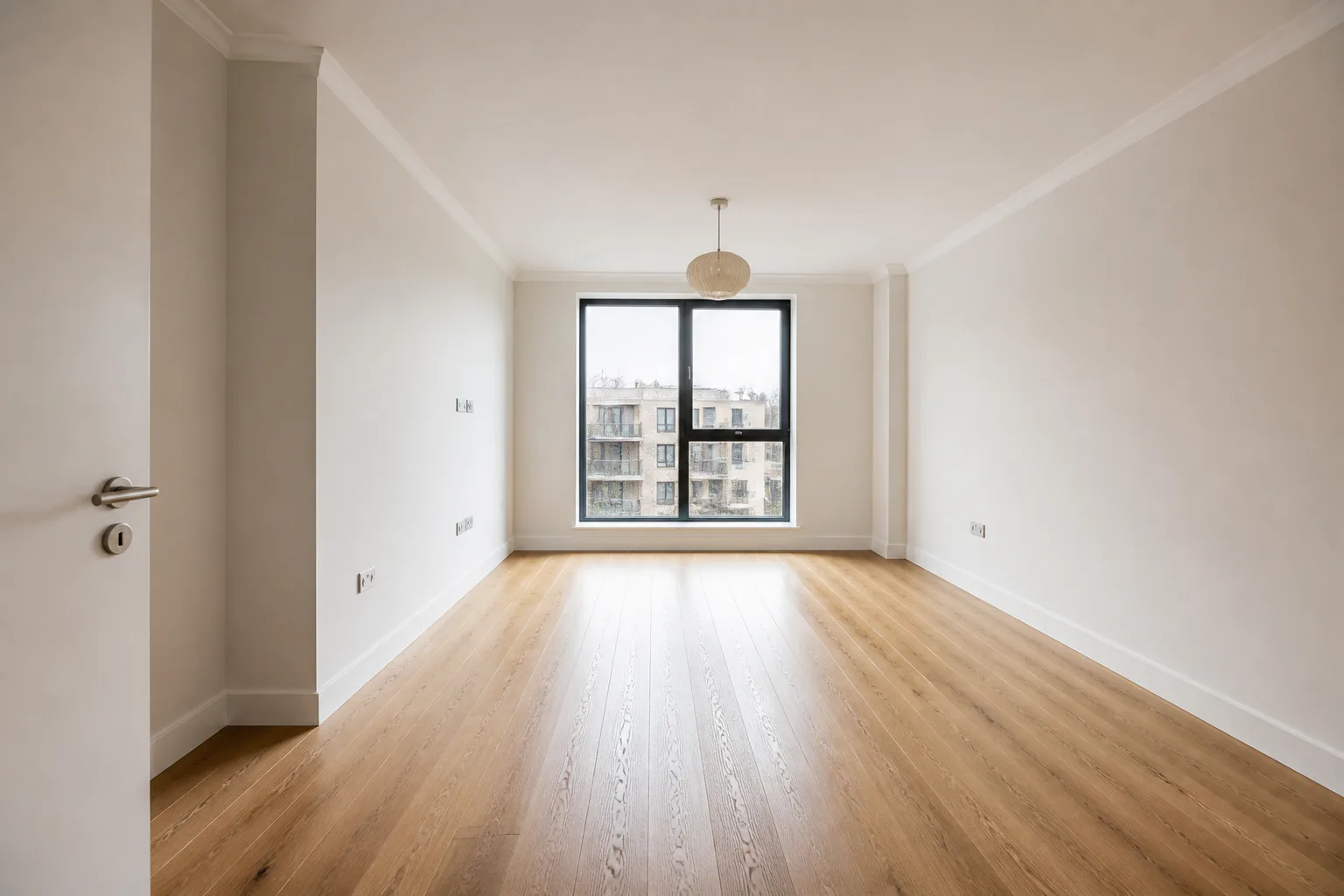
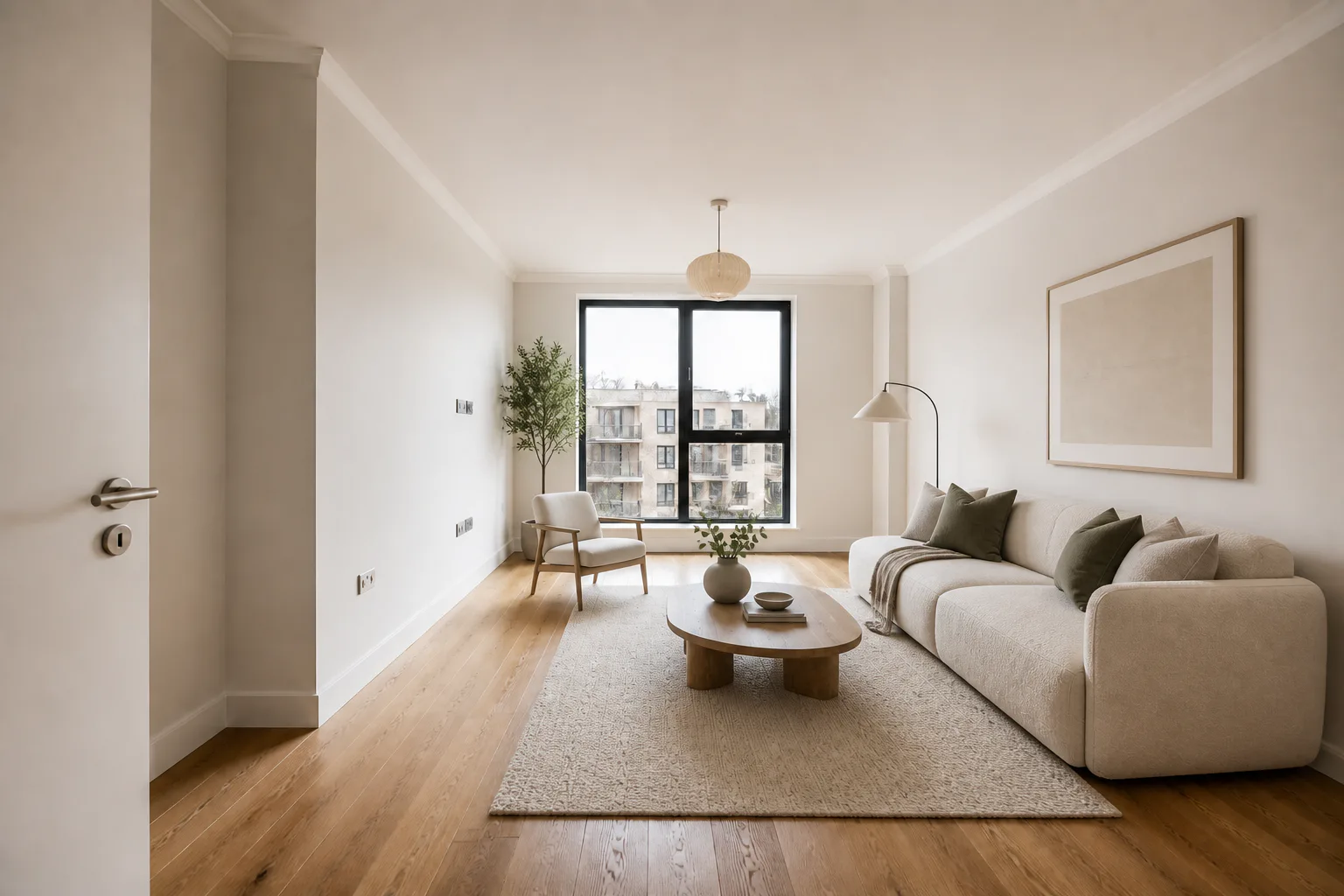
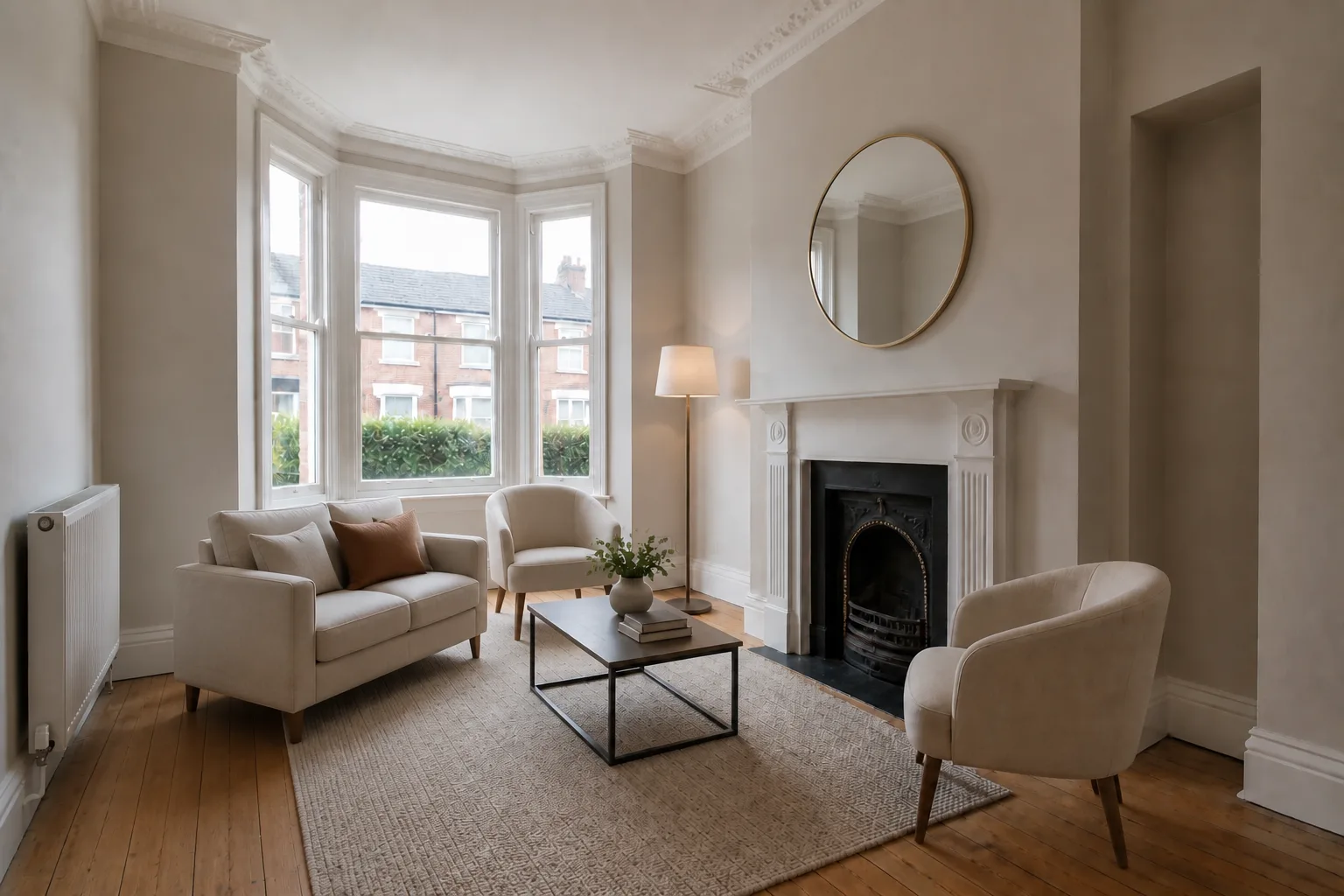
Synthetic empty living room
The same synthetic living room virtually furnished
StagedOriginal
Austin / Living roomWarm contemporary · synthetic proof
SD—01
SD / 001
New stagingLiving room · Example property
Fixed-feature guardrails onDemo room
Synthetic empty living room before virtual staging
The same synthetic room furnished in the Warm contemporary style
AI stagedOriginal
A
Warm contemporaryFamily home · synthetic demonstration

Upload. Set the buyer. Approve the proof.

No prompt-writing and no masking. The model gets the guardrails; the agent keeps the judgement and the final say.

  1. 01
    Add the photography

    Drop in the room exactly as it was shot. No masking or cut-outs.

  2. 02
    Set the buyer

    Choose first-time buyer, family home, premium buyer, rental or downsizer.

  3. 03
    Review the property

    Slide against the source and check every opening, surface, fixture and proportion.

  4. 04
    Export for the listing

    Download a clean JPG for your MLS, Zillow or Realtor.com workflow.

We stage the story.
Not the property.

Architecture Lock tells the model what must stay fixed. You then compare the proof against the source before anything leaves the studio.

ShowDwell may add

  • Sofas, beds, tables and chairs
  • Rugs, lamps, art and plants
  • Mirrors and removable accessories
  • Light countertop and tabletop styling

ShowDwell must not change

  • Walls, openings, doors and windows
  • Floors, ceilings, skirting and proportions
  • Fireplaces, radiators, sockets and switches
  • Fitted cabinetry, worktops and appliances

Every result is generative. The side-by-side review is the final QA gate, and virtually staged photography should be disclosed in the listing.

Staging allowance / monthly

A plan for every listing pipeline.

Built for high-volume listing work, with no surprise overage charges. Every account includes three free room stagings each month; generation pauses at the plan allowance until the next monthly reset or a plan change.

Showing USD ($). We choose GBP for UK visitors and USD elsewhere; you can switch it here. Taxes are calculated at checkout.

01

Solo

For independent agents

$24.17/ month

$290 billed yearly · allowance resets monthly

40staged rooms
each month
  • 40 staging credits each month
  • 1536px listing-ready downloads
  • All staging styles
03

Agency

For high-volume property marketing

$124.17/ month

$1,490 billed yearly · allowance resets monthly

500staged rooms
each month
  • 500 staging credits each month
  • Everything in Pro

Three free images a month at 1536px. ShowDwell adds no watermark, and no card is required.

Displayed and charged in the currency selected above. Each generation attempt counts toward the monthly allowance.

Agency is a high-volume single-user workspace; team access is not included.

Ten proofs.
One non-negotiable.

Keep the property. Change the buyer signal. Drag every proof to inspect the source: nine are synthetic demonstrations and one uses a supplied room photo.
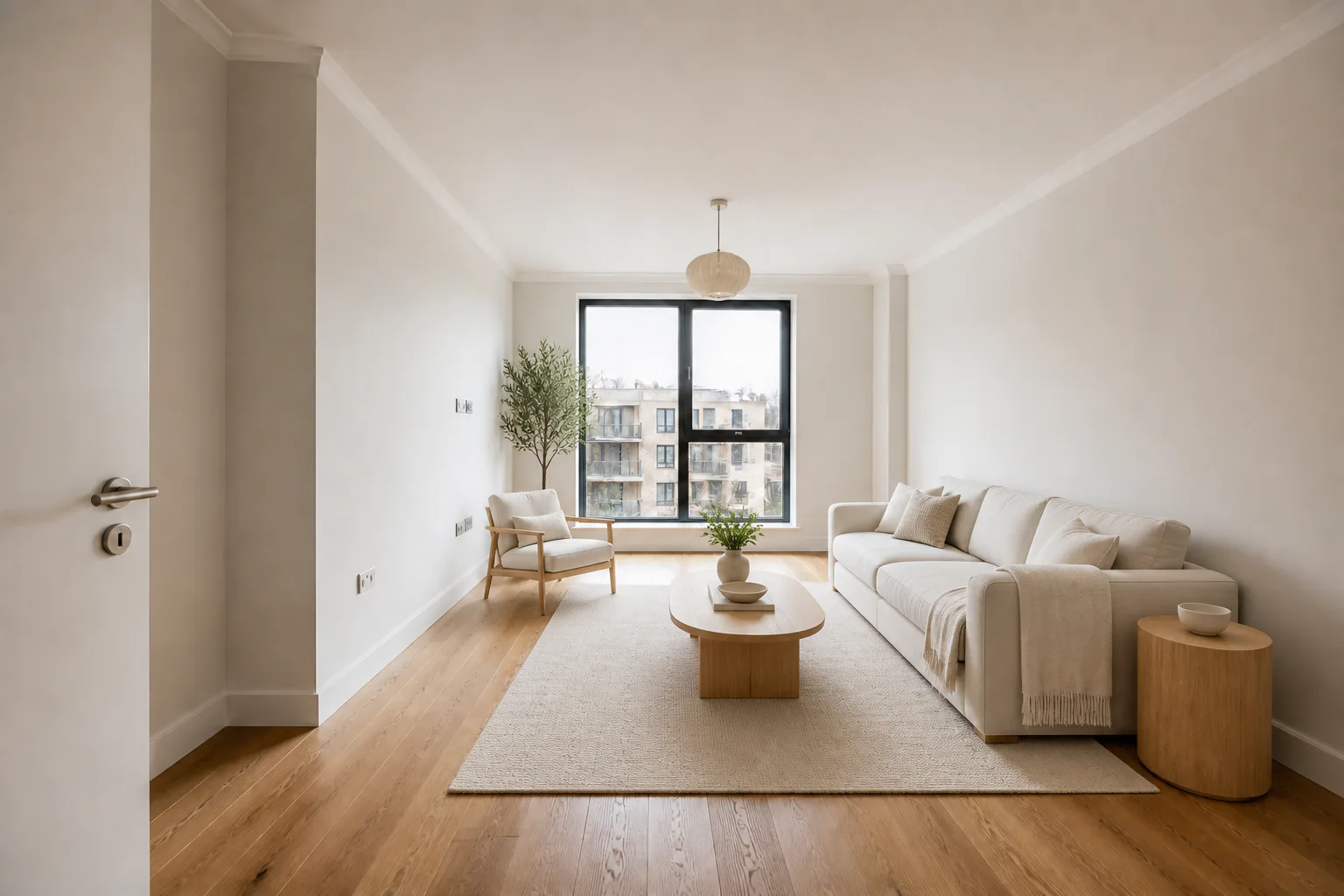
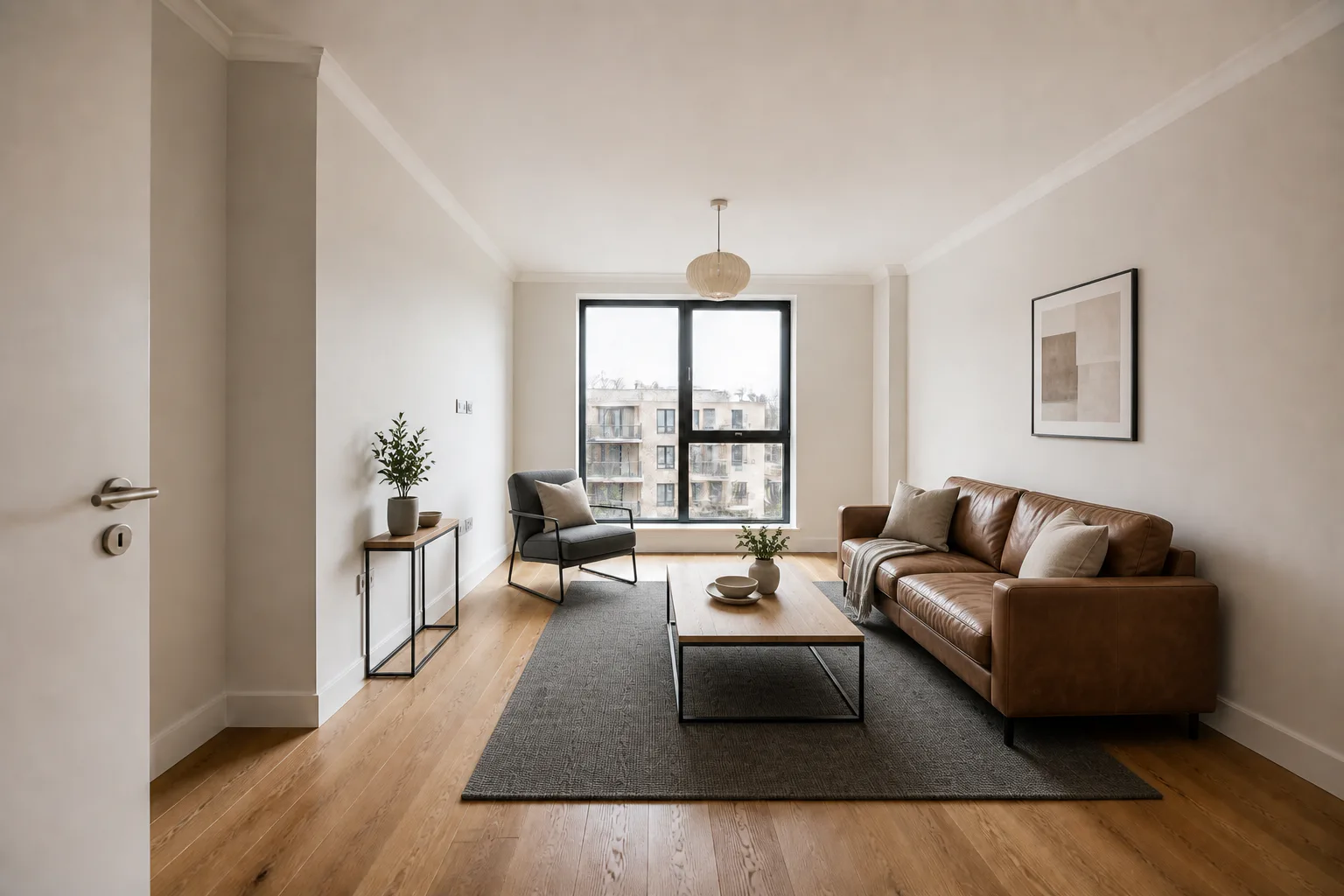
Living room before virtual staging
Living room virtually staged for the family home profile
StagedOriginal
01
Warm contemporaryLiving room · Family home
Synthetic proof
Living room before virtual staging
Living room virtually staged for the first-time buyer profile
StagedOriginal
02
Scandi lightLiving room · First-time buyer
Synthetic proof
Living room before virtual staging
Living room virtually staged for the rental listing profile
StagedOriginal
03
Soft industrialLiving room · Rental listing
Synthetic proof
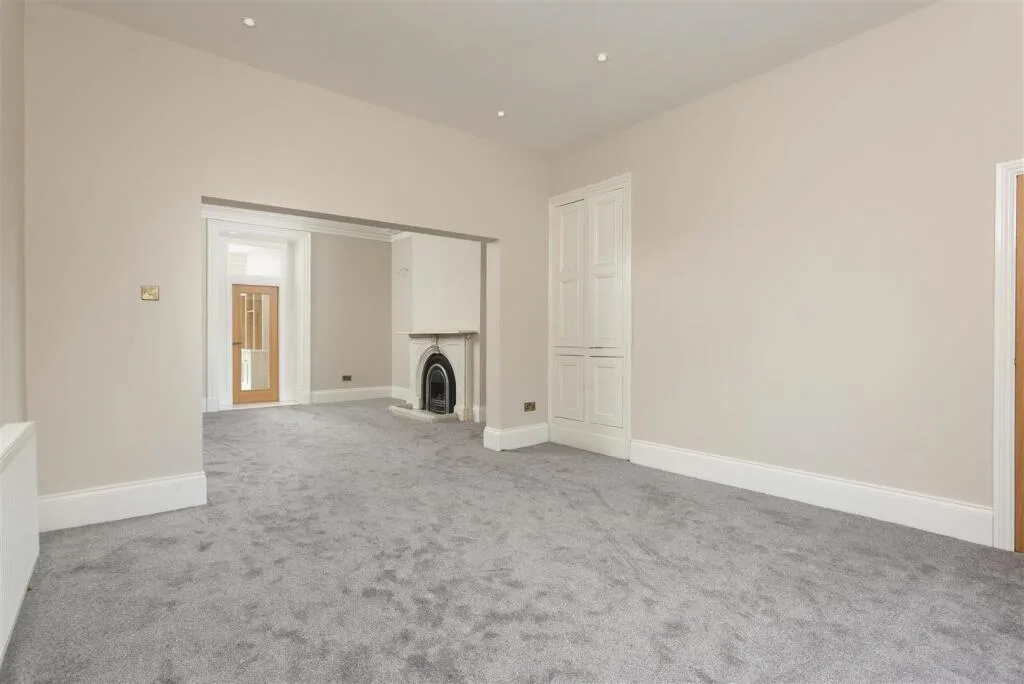
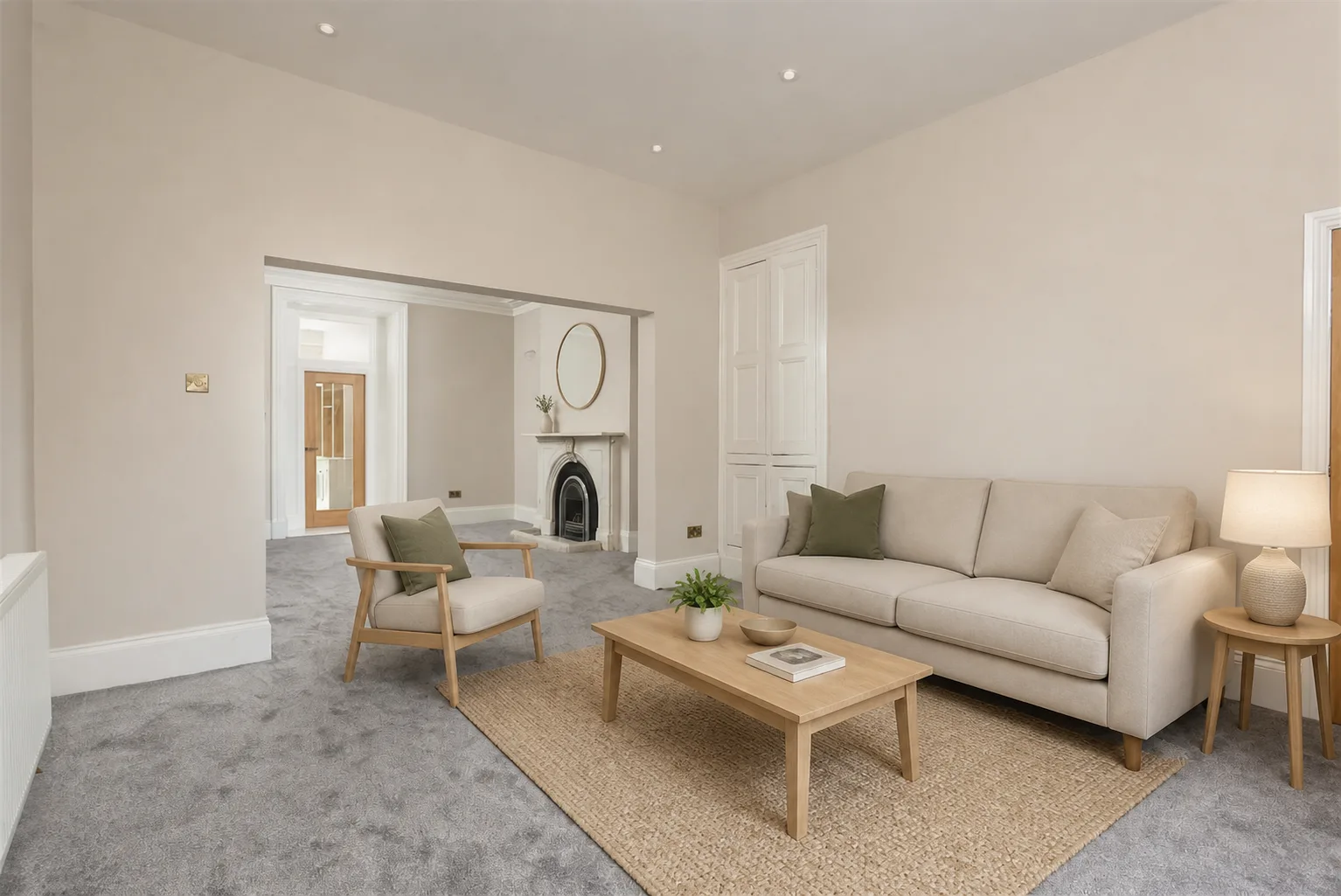
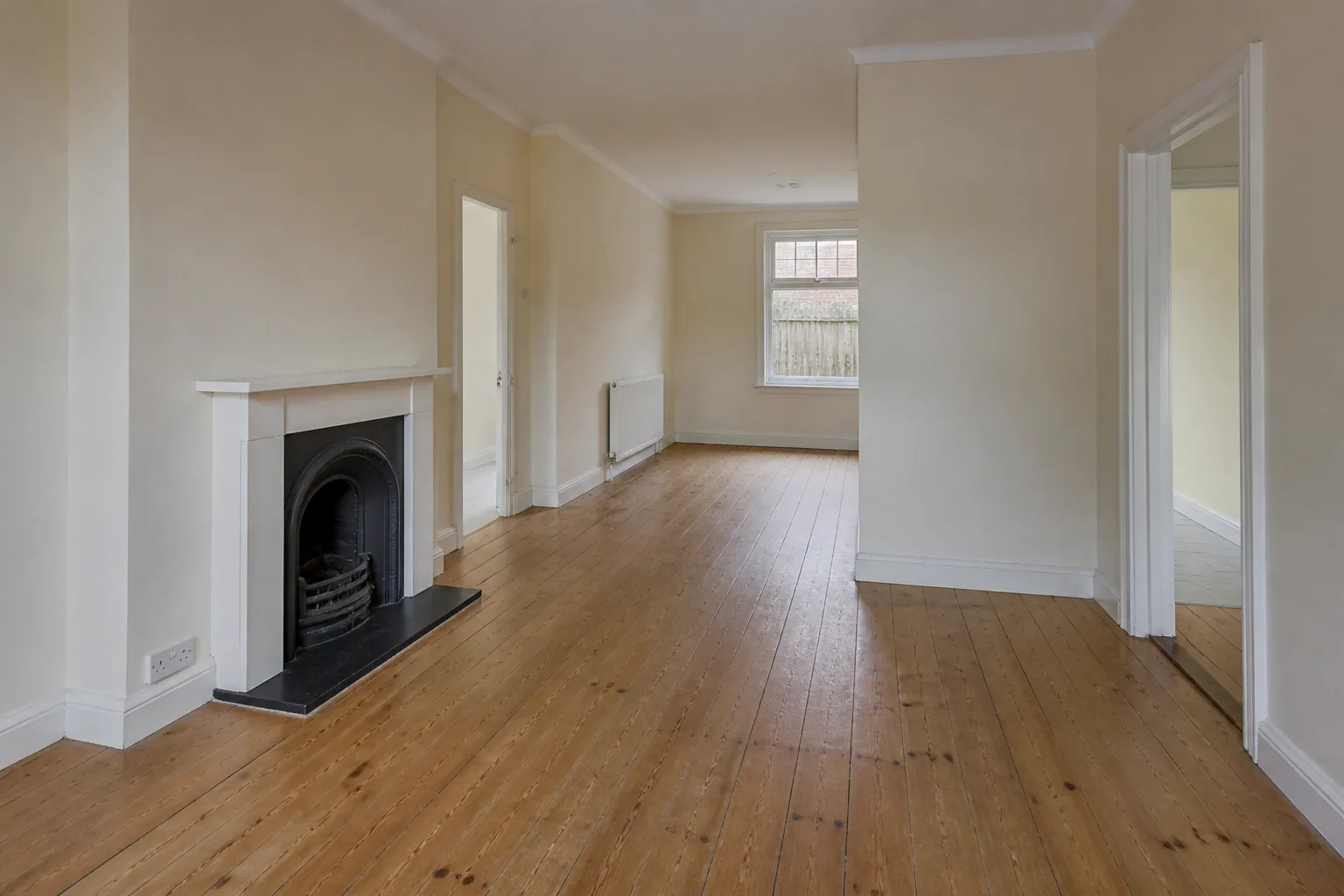
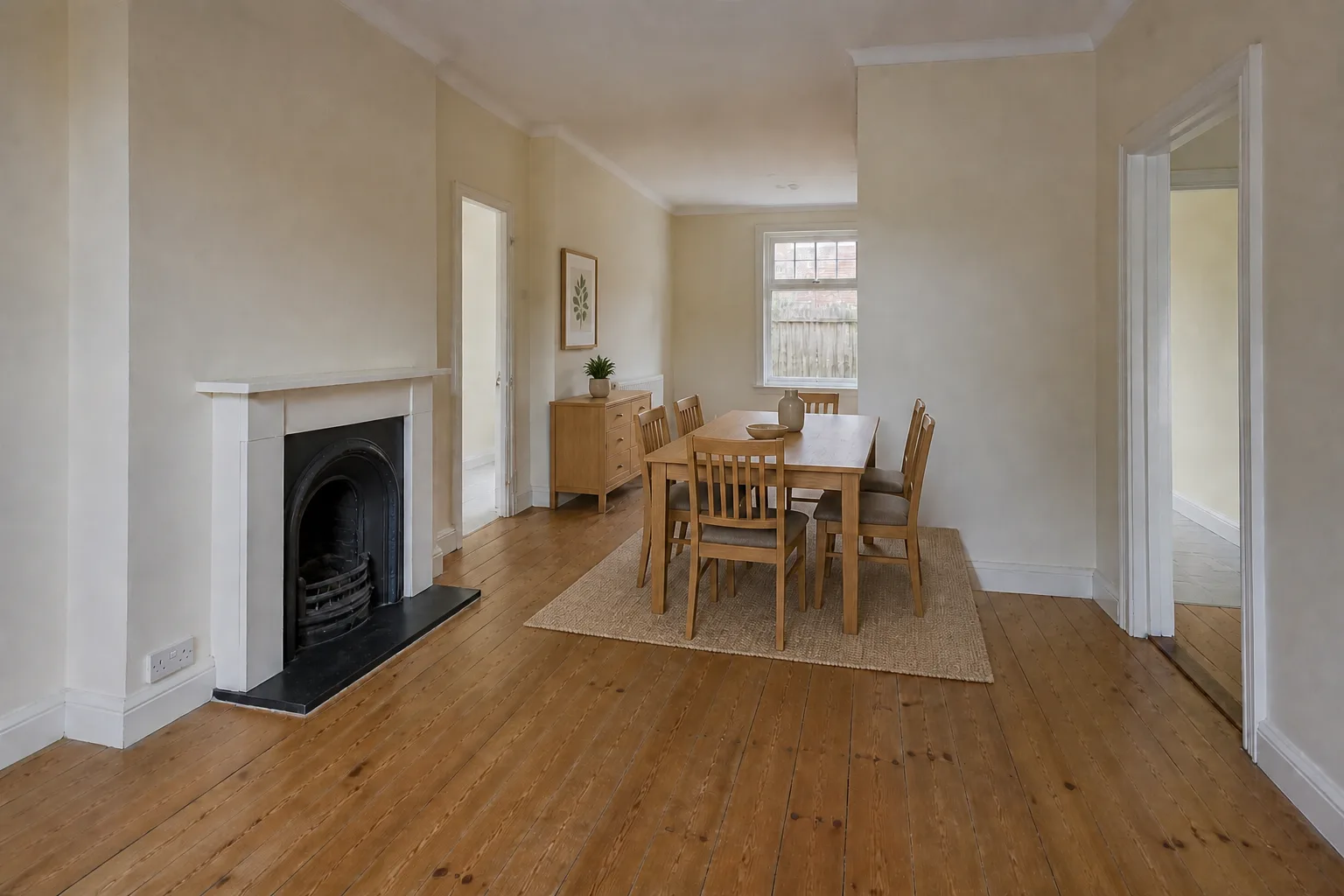
Double reception before virtual staging
Double reception virtually staged for the family home profile
StagedOriginal
04
Keep the period detailsDouble reception · Family home
Supplied source · AI furnishings
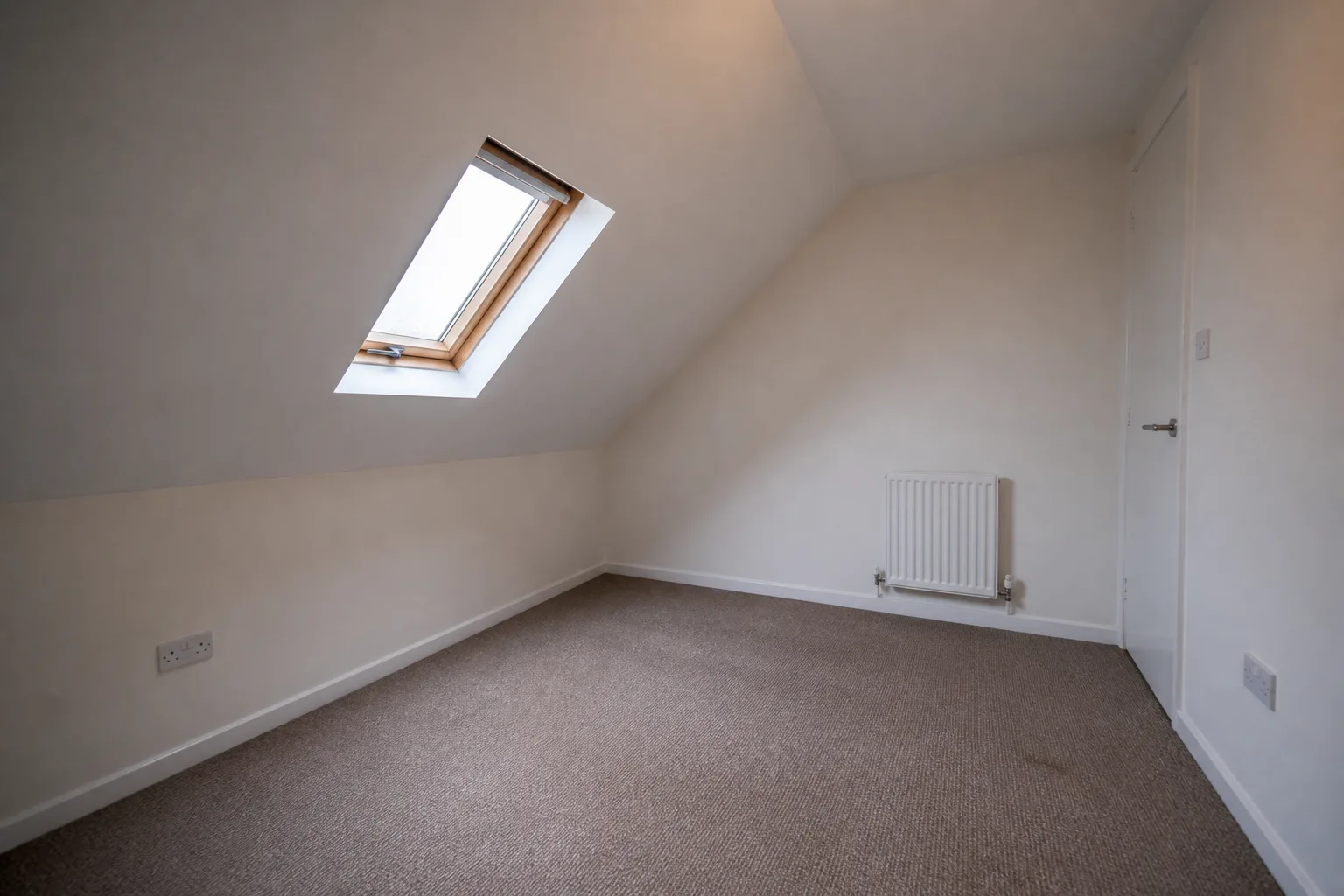
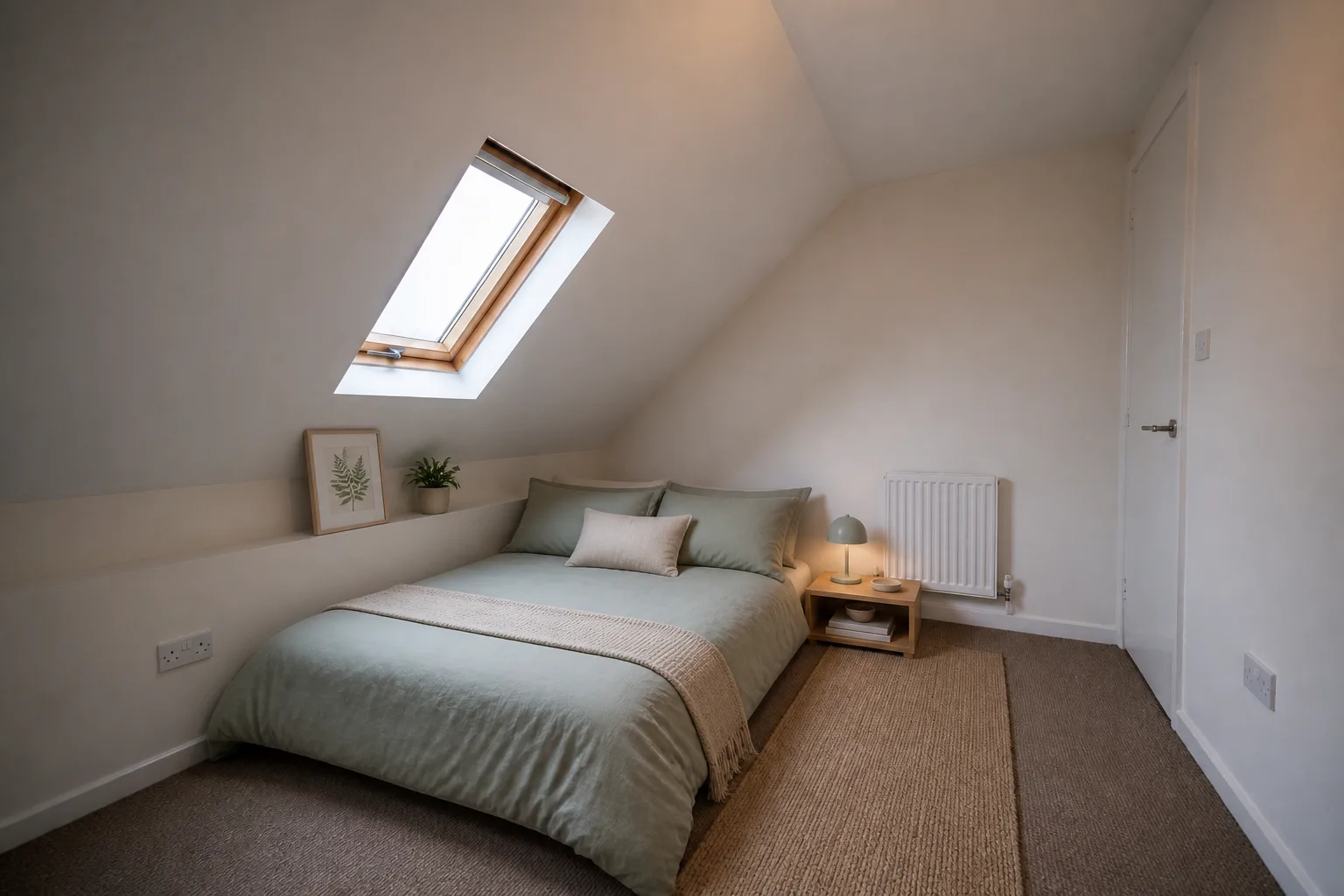
Attic bedroom before virtual staging
Attic bedroom virtually staged for the downsizer profile
StagedOriginal
05
Work with the eavesAttic bedroom · Downsizer
Synthetic proof
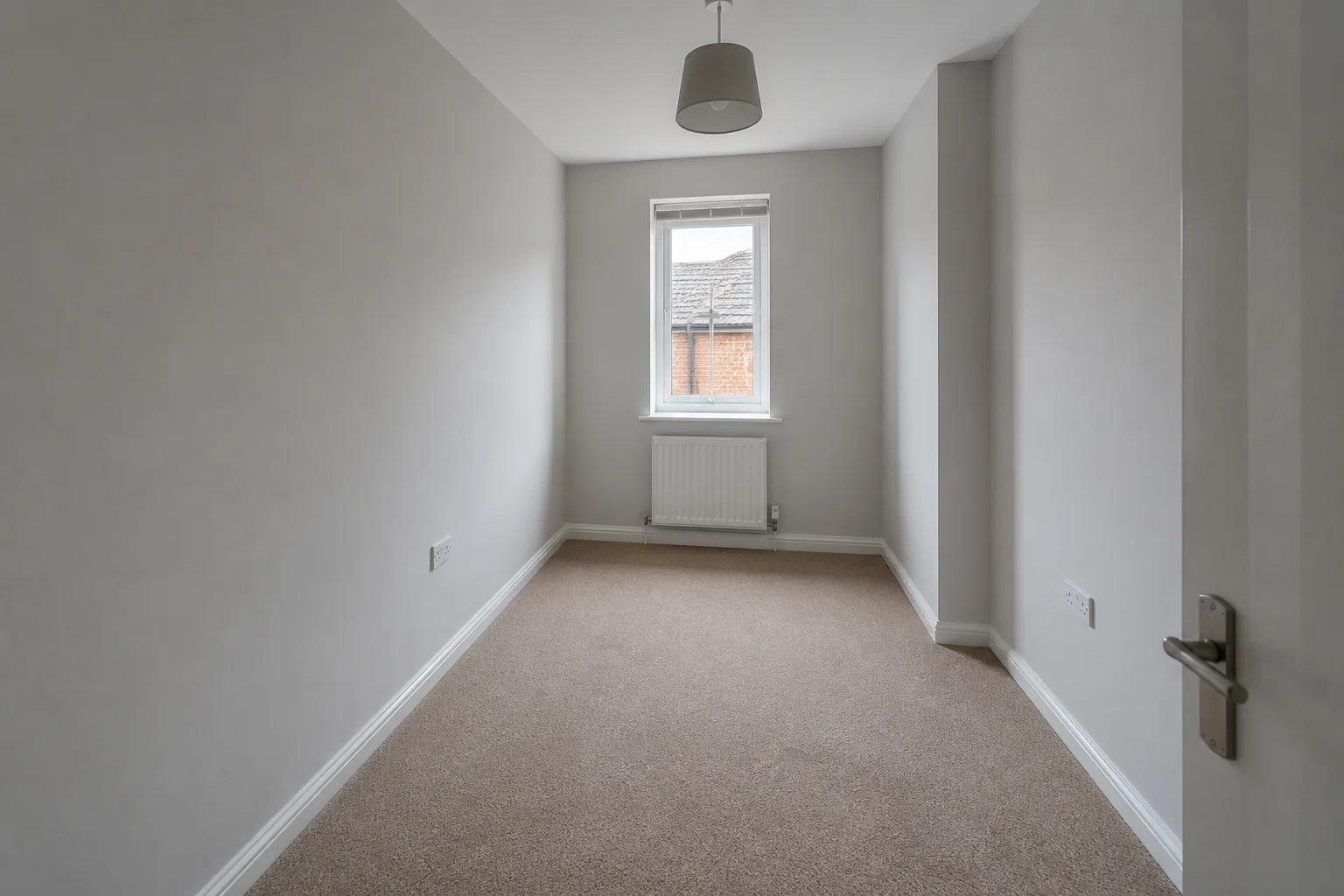
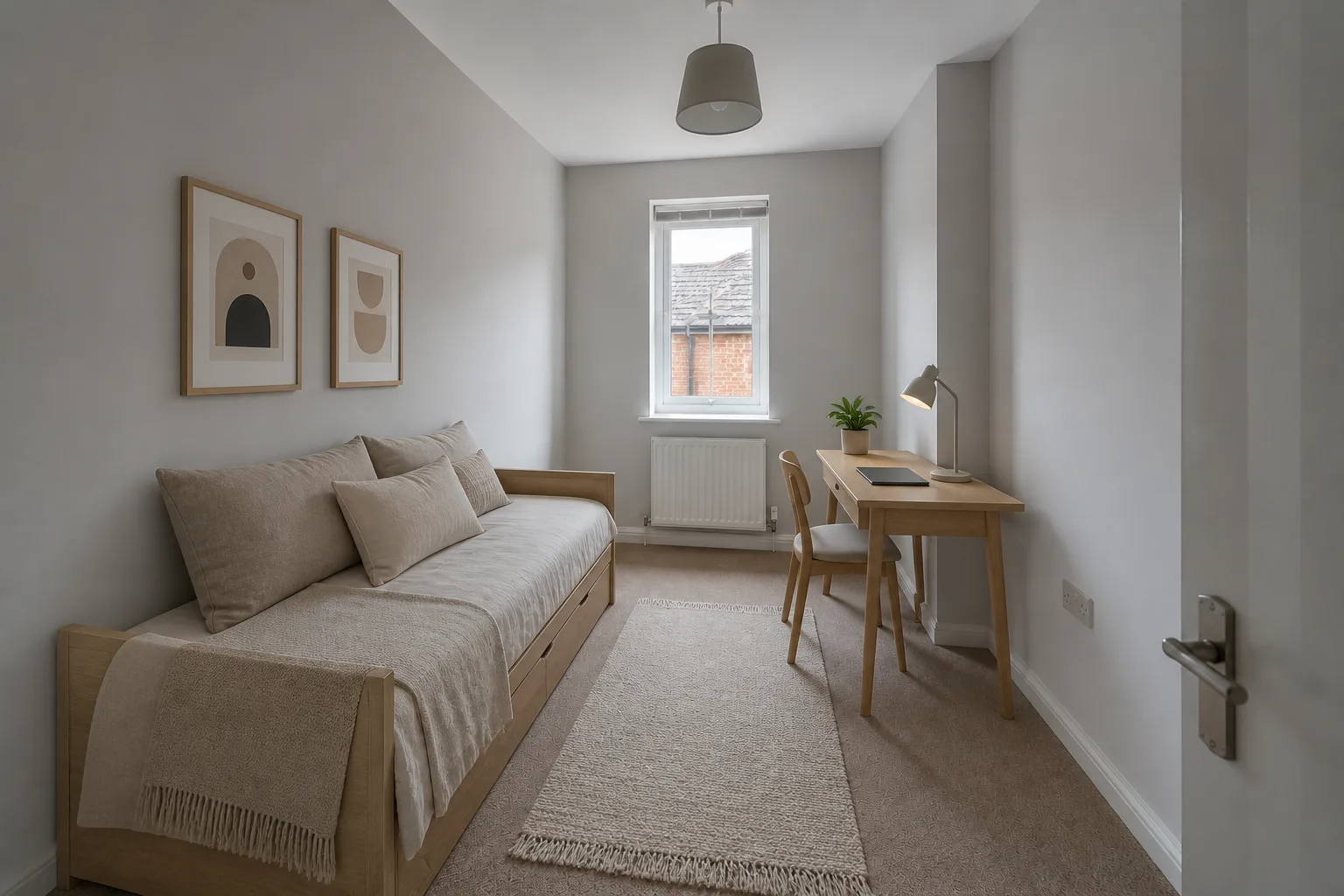
Narrow spare room before virtual staging
Narrow spare room virtually staged for the rental listing profile
StagedOriginal
06
Find the extra useNarrow spare room · Rental listing
Synthetic proof
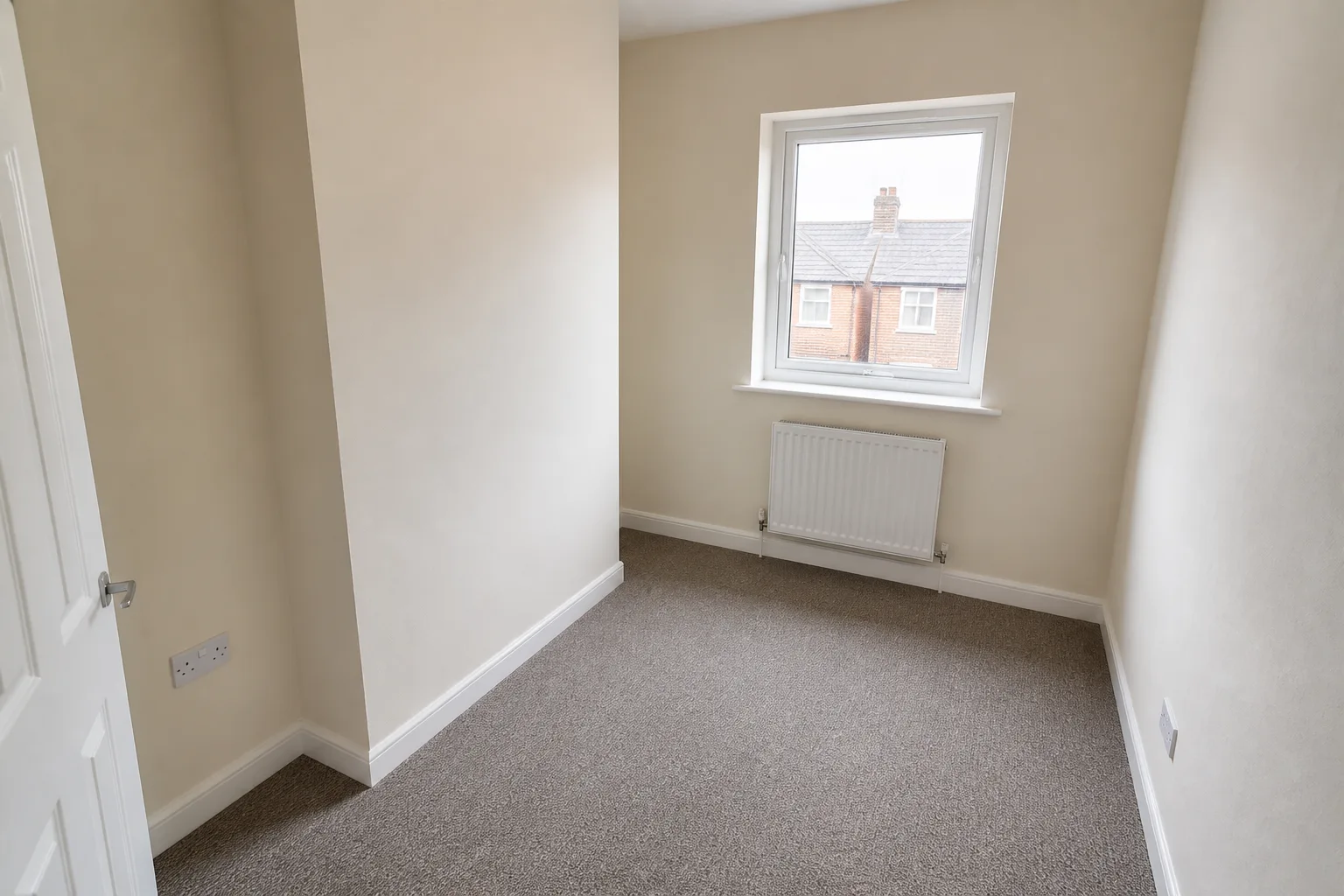
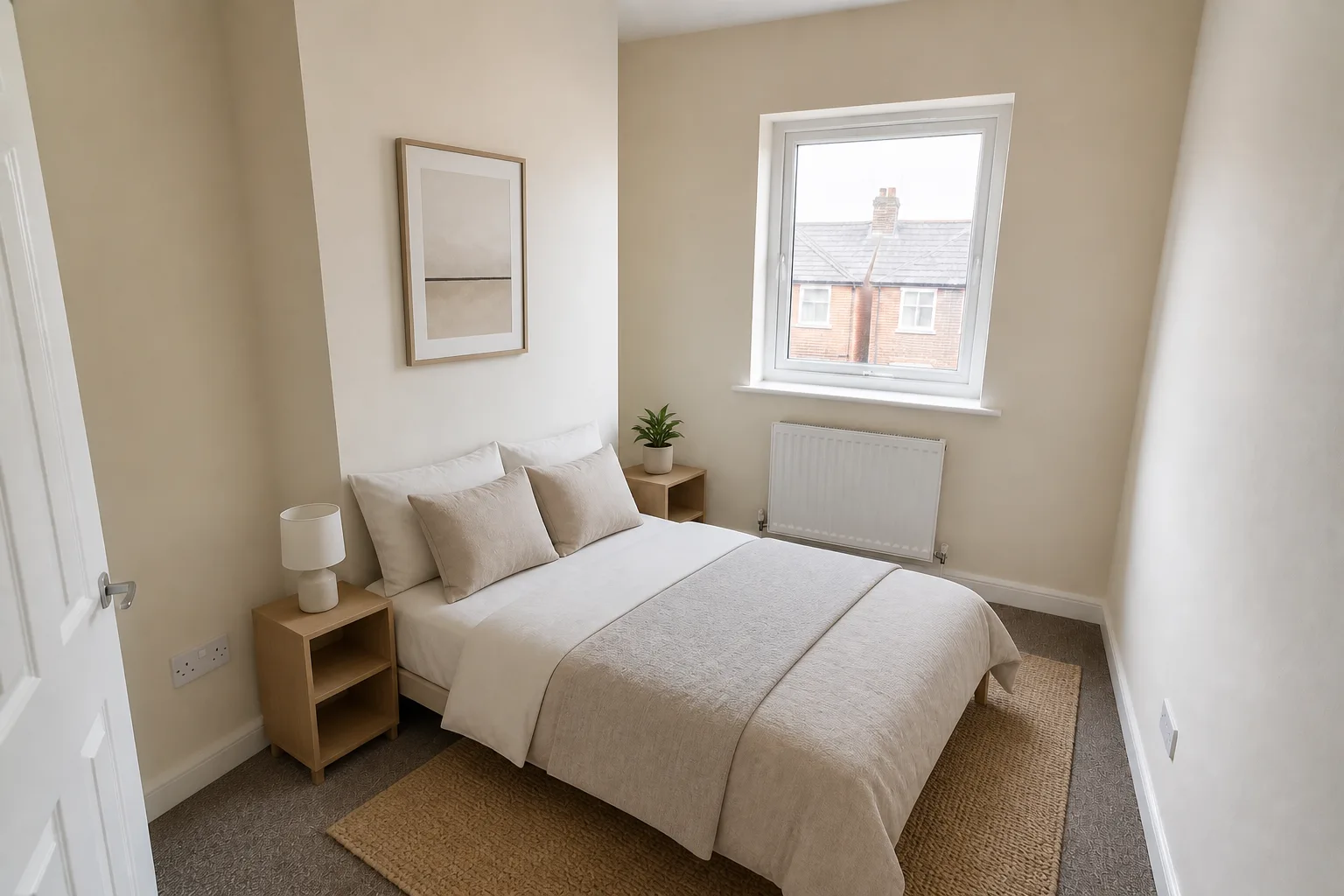
Compact bedroom before virtual staging
Compact bedroom virtually staged for the first-time buyer profile
StagedOriginal
07
Solve the box roomCompact bedroom · First-time buyer
Synthetic proof
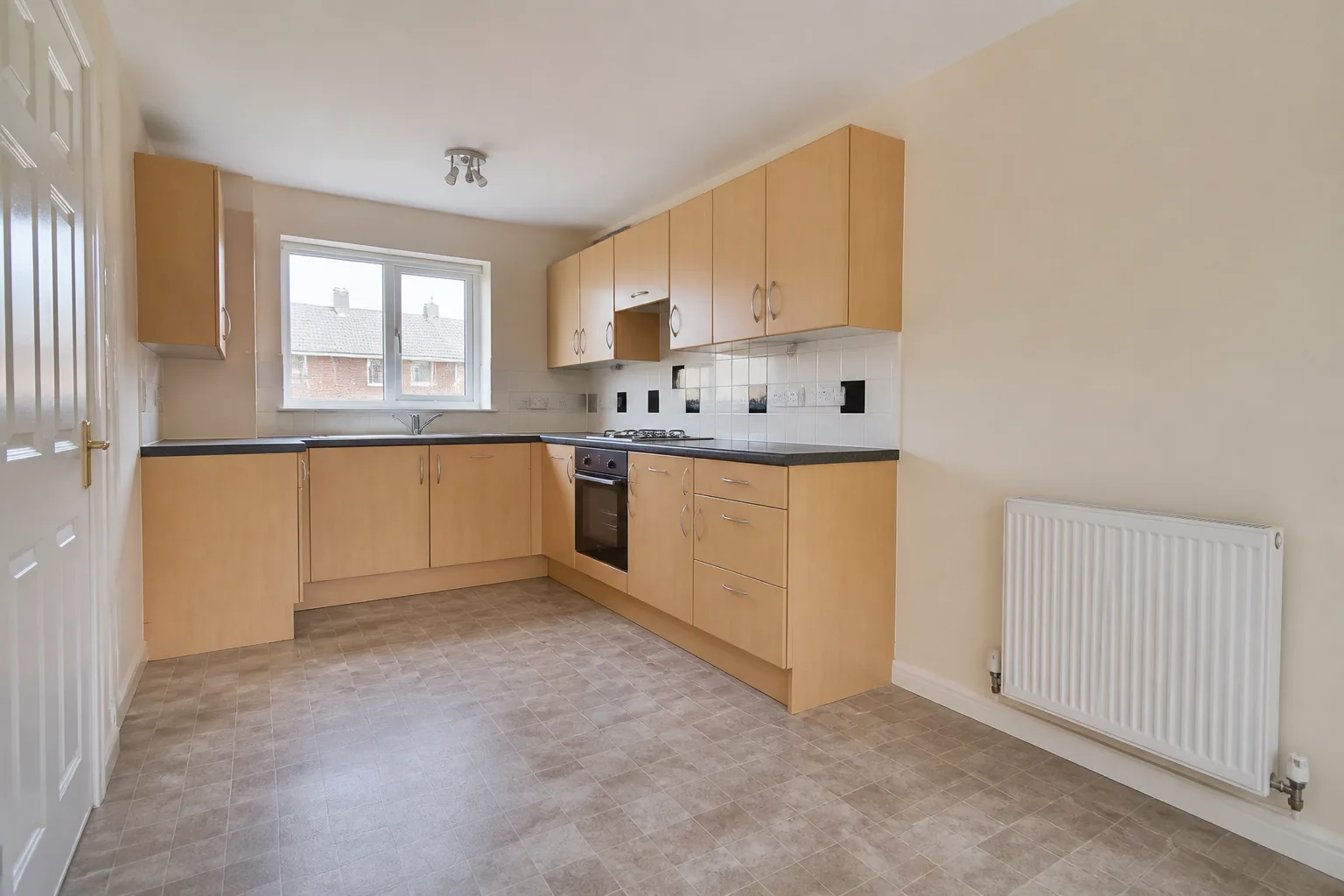
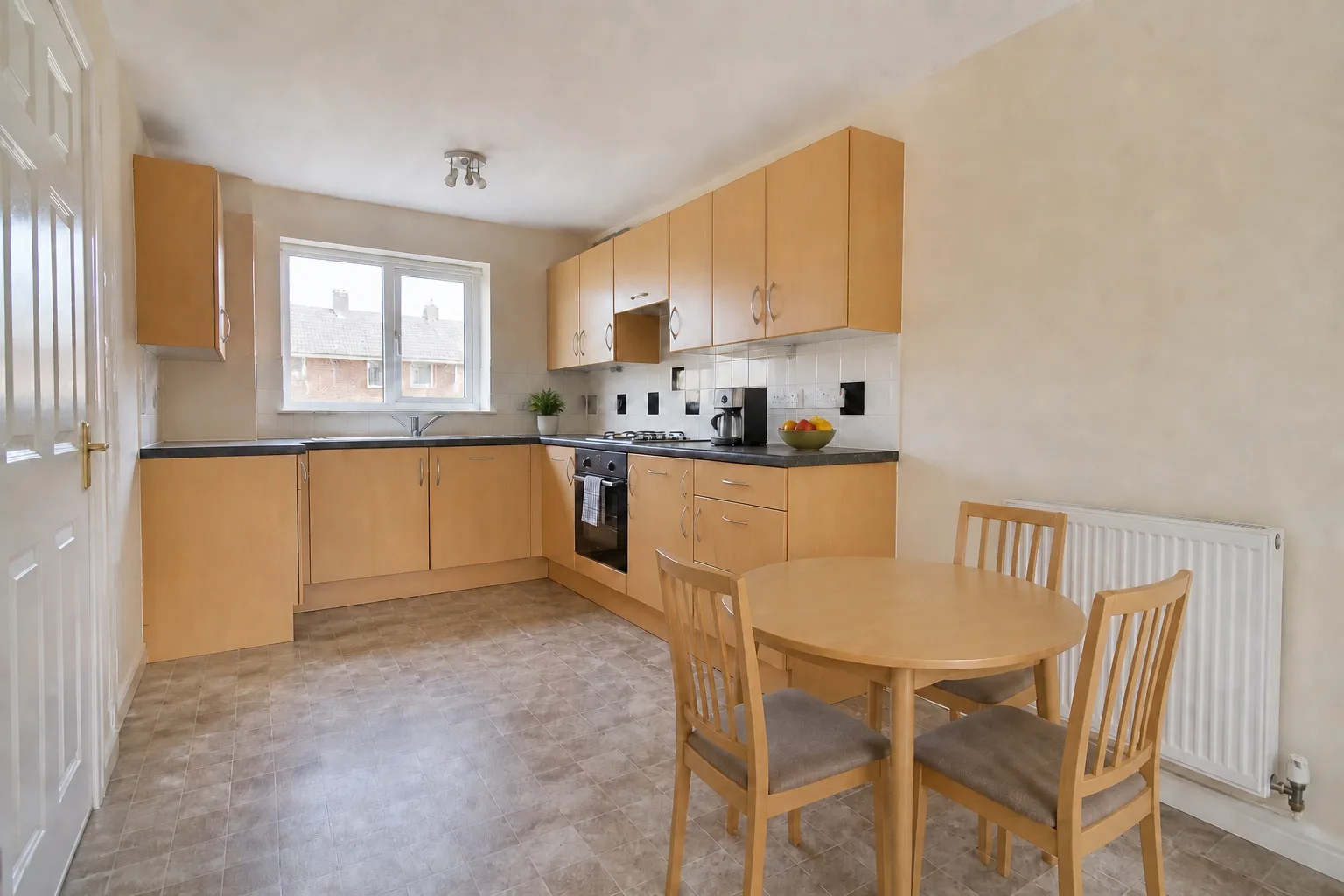
Fitted kitchen before virtual staging
Fitted kitchen virtually staged for the family home profile
StagedOriginal
08
Dress, do not redesignFitted kitchen · Family home
Synthetic proof
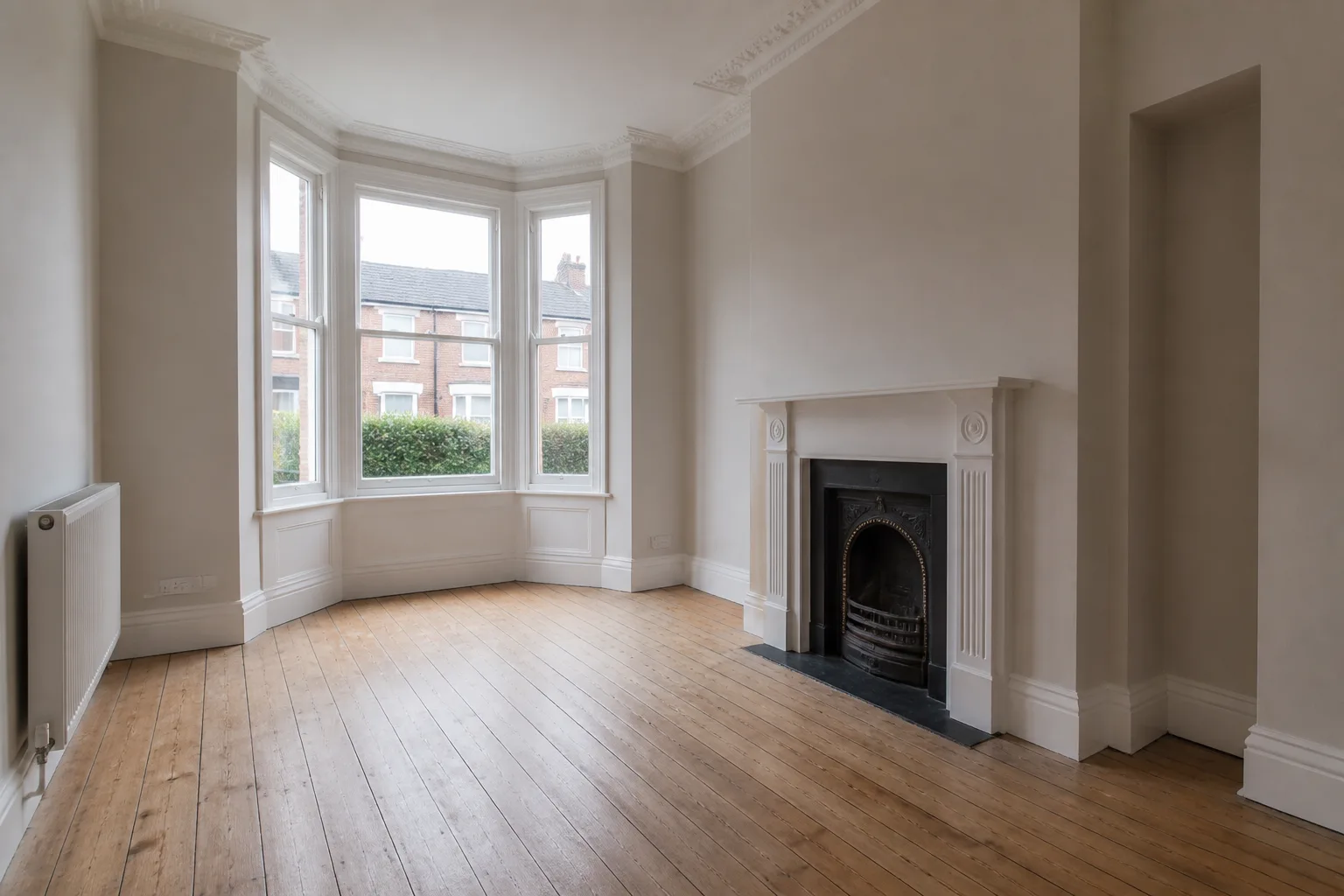
Victorian reception before virtual staging
Victorian reception virtually staged for the premium buyer profile
StagedOriginal
09
Frame the originalsVictorian reception · Premium buyer
Synthetic proof
L-shaped dining room before virtual staging
L-shaped dining room virtually staged for the family home profile
StagedOriginal
10
Make the awkward plan legibleL-shaped dining room · Family home
Synthetic proof

Straight answers.

What is virtual staging?
Virtual staging is the digital furnishing of an empty room in a listing photograph — furniture, textiles and decor are added while the source room remains the reference. Read the full guide.
Will it change my room?
Not by design. Architecture Lock tells the model to preserve walls, windows, doors, floors and fixed features. Because every result is generative, compare it with the source and reject any drift before publishing.
What does it cost?
Three staging credits are free every month. Paid plans start at $29 or £29 per month for 40 rooms — see pricing.
Do I have to disclose virtually staged photos?
Usually, yes — most MLSs and advertising rules require staged images to be labelled as virtually staged. ShowDwell keeps the property honest; the disclosure on the listing is yours to make.
Supplied living room with virtual furnishings
The same living room before staging

Buyer-ready rooms. Property as the reference.

Start with the photograph already in your listing folder. Keep the proof in your hands.